
 ES

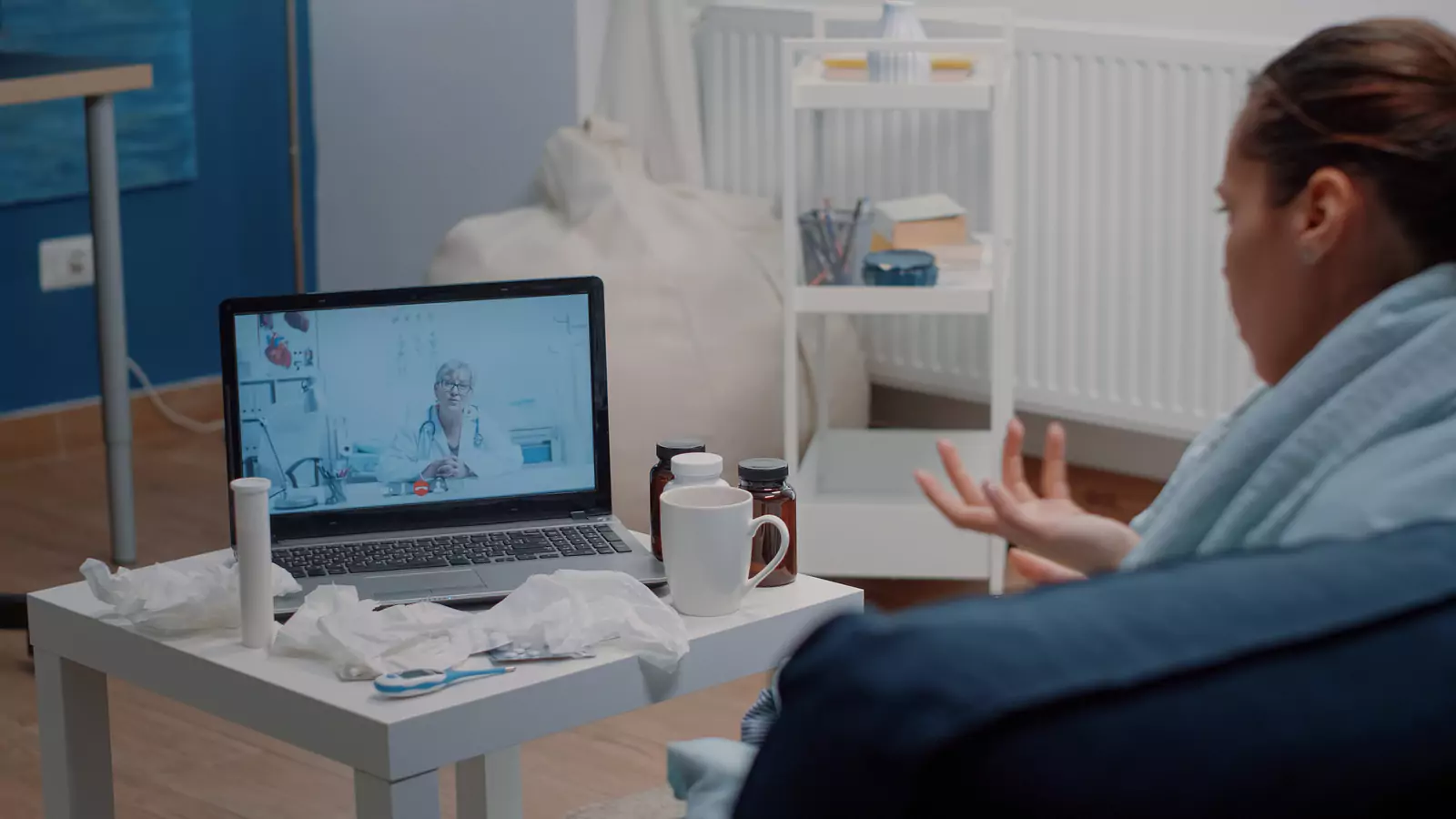







Prepare a Curative Virtual Care Handoff
A portable summary helps the next clinician act when video care leads to testing or an in-person exam.
Make the Next Setting Part of the First Visit
A virtual appointment does not always end at the screen.
Sometimes its most valuable result is a well-defined next step:
- A swab
- Urine test
- Blood work
- Imaging
- Hands-on examination
- Primary-care follow-up
Patients can make that transition smoother by preparing a portable handoff before the first connection.
VirtualCare2go says it accepts Curative for Texas telehealth visits appropriate for non-emergency concerns.
Acceptance does not establish coverage for every member or service. Curative eligibility, network participation, authorization rules, deductibles, copays, and other patient costs depend on the individual plan and care delivered.
A virtual consultation and a later facility service should be verified separately.
A handoff is not an admission that virtual care failed. It is how a remote assessment becomes connected care when the question needs more information.
Choose a backup destination before the appointment when symptoms are stable enough to plan.
Note the closest:
- Primary-care office
- Urgent-care center
- Laboratory
- Emergency department
Do not assume each can perform the same work. Hours, testing capability, appointment requirements, and Curative participation can differ.
A short advance call can reveal whether a site can complete the specific task the virtual clinician may request.
Also consider transportation and timing. A site that closes before a specimen can be collected may not be a workable handoff.
If the patient depends on a caregiver, rideshare, or public transit, mention that constraint during the virtual visit. The clinician may be able to identify the medically acceptable time window, which helps the patient compare destinations without pretending every delay is safe.
Start With a One-Screen Clinical Summary
The clinician needs a focused picture, not a pile of unsorted records.
Create a note that fits on one screen and can be read aloud in about one minute.
Include:
- Main concern in one sentence
- When it started and how it changed
- Current severity and relevant home measurements
- Important medical conditions
- Recent procedures
- Pregnancy possibility
- Medicines, supplements, and allergies with reactions
- What has already been tried and what happened
- Patient’s current location
- Preferred pharmacy
- Question the patient most needs answered
Keep original values and dates.
Do not round a temperature up, label a rash as an infection, or call a headache a migraine unless a clinician has established that diagnosis.
Precise observation is more useful than confident guessing.
If photographs are relevant, use even lighting and include a wider context image and closer image when safe.
Ask how to transmit photographs securely. Never send medical information to an unverified email or text destination.
Ask What Information Is Still Missing
Video can support history, conversation, and visible observation. It cannot provide every physical finding.
During the visit, ask the clinician to name the missing information that would change the decision.
Examples include:
- Throat, ear, abdominal, neurologic, or lung examination
- COVID, flu, strep, urine, pregnancy, or another laboratory test
- Imaging after an injury or for a symptom that cannot be assessed remotely
- Vital signs or monitoring not reliably available at home
- A procedure or treatment that must occur in person
This question clarifies why the next step matters.
It also helps the patient choose a destination with the right capability rather than simply going to the closest open building.
Verify Curative for Each Care Segment
Before the virtual appointment, ask Curative to verify:
- Member’s active eligibility
- Network status of DK Physicians PLLC as the billing entity identified by VirtualCare2go
- Specific telehealth service
- Expected cost-sharing
- Referral requirements
- Authorization requirements
If the provider recommends another service, start a new verification question.
Name the laboratory, imaging center, clinic, or specialist and the exact service when available.
Ask:
- Is this provider and location in network for the member’s plan?
- Does the order need prior authorization?
- Must the service be performed at a designated facility?
- Are professional and facility charges processed separately?
- What deductible, copay, coinsurance, or noncovered cost may apply?
Write down the date and reference number.
Estimates can change when the claim is submitted, so avoid treating the answer as a price guarantee.
Create a Handoff Packet Before Leaving Home
The packet can be digital or paper, depending on what each setting accepts.
It should contain:
- One-screen summary
- Current plan card
- Identification
- Medication list
- Allergies
- After-visit instructions
- Orders
- Relevant results available to the patient
Add three lines at the top:
- Why the virtual clinician recommended follow-up
- How soon the follow-up should occur
- Which warning signs require faster action
Ask VirtualCare2go how the receiving site can obtain records through an appropriate process.
Patient-carried notes are helpful, but formal records may contain examination findings and clinical reasoning that should not be lost.
The receiving clinician may repeat questions or revise the plan. That is normal. New findings from touch, testing, or observation can change what is appropriate.
Assign the Result Before the Test
Testing is not finished when a specimen is collected or an image is taken. The result needs an owner.
Before leaving the virtual visit, ask:
- Who is expected to review the result?
- How will the patient receive the interpretation?
- When should the result be available?
- What should happen if no message arrives?
At the testing site, confirm whether results return to:
- VirtualCare2go
- Another clinician
- Patient portal
- More than one destination
Write down:
- Expected result time
- Reviewing clinician or office
- Notification method
- What to do if the result does not arrive
- Which result or symptom requires immediate action
Do not independently change a medication because a portal value looks abnormal. Contact the responsible clinician.
If the patient has a primary-care provider, arrange for important records to reach that office so short-term care does not become isolated from ongoing care.
If a result is normal but symptoms continue, follow the clinician’s reassessment instructions rather than assuming the episode is over.
A test answers a limited question at a particular time. New or worsening symptoms may require a different examination or test.
Keep the handoff note current by adding the result date, the person who explained it, and the next deadline.
Reconcile Medicines at Every Transition
A new prescription, over-the-counter recommendation, or instruction to pause a medicine should be compared with the complete medication list.
Ask which clinician will manage the medicine after the immediate episode.
Confirm the pharmacy and ask about alternatives if a medicine is unavailable or not covered. Do not substitute doses or products without professional guidance.
Coverage, clinical appropriateness, and availability are separate:
- A covered medicine may not be right for a patient.
- An appropriate medicine may require plan approval.
- A pharmacy may not have it in stock.
A clear owner helps resolve those issues without duplicating or abandoning therapy.
Use Time, Not Convenience, to Choose the Destination
If the virtual clinician says the patient should be seen today, a preferred in-network appointment next week is not an equivalent substitute.
Ask whether a delay is safe and which alternative has the needed capability.
When symptoms worsen, reevaluate the setting instead of repeatedly booking video visits.
For chest pain, severe breathing trouble, stroke signs, loss of consciousness, uncontrolled bleeding, a severe allergic reaction, or another potentially life-threatening concern, call 911 or go to the nearest emergency department.
Do not delay emergency care for a Curative benefit check.
For appropriate stable concerns, review the Curative page, online urgent-care information, and FAQ.
Call VirtualCare2go at 817-508-8169 for current scheduling and billing details.
Verify Curative eligibility, network status, authorization, covered services, and estimated patient responsibility directly with the plan.
Disclaimer: This article is educational and is not a diagnosis, individualized medical advice, coverage guarantee, or substitute for professional care. Availability depends on location, scheduling, clinical needs, and provider assessment. For emergencies, call 911 or go to the nearest emergency department.