
 ES

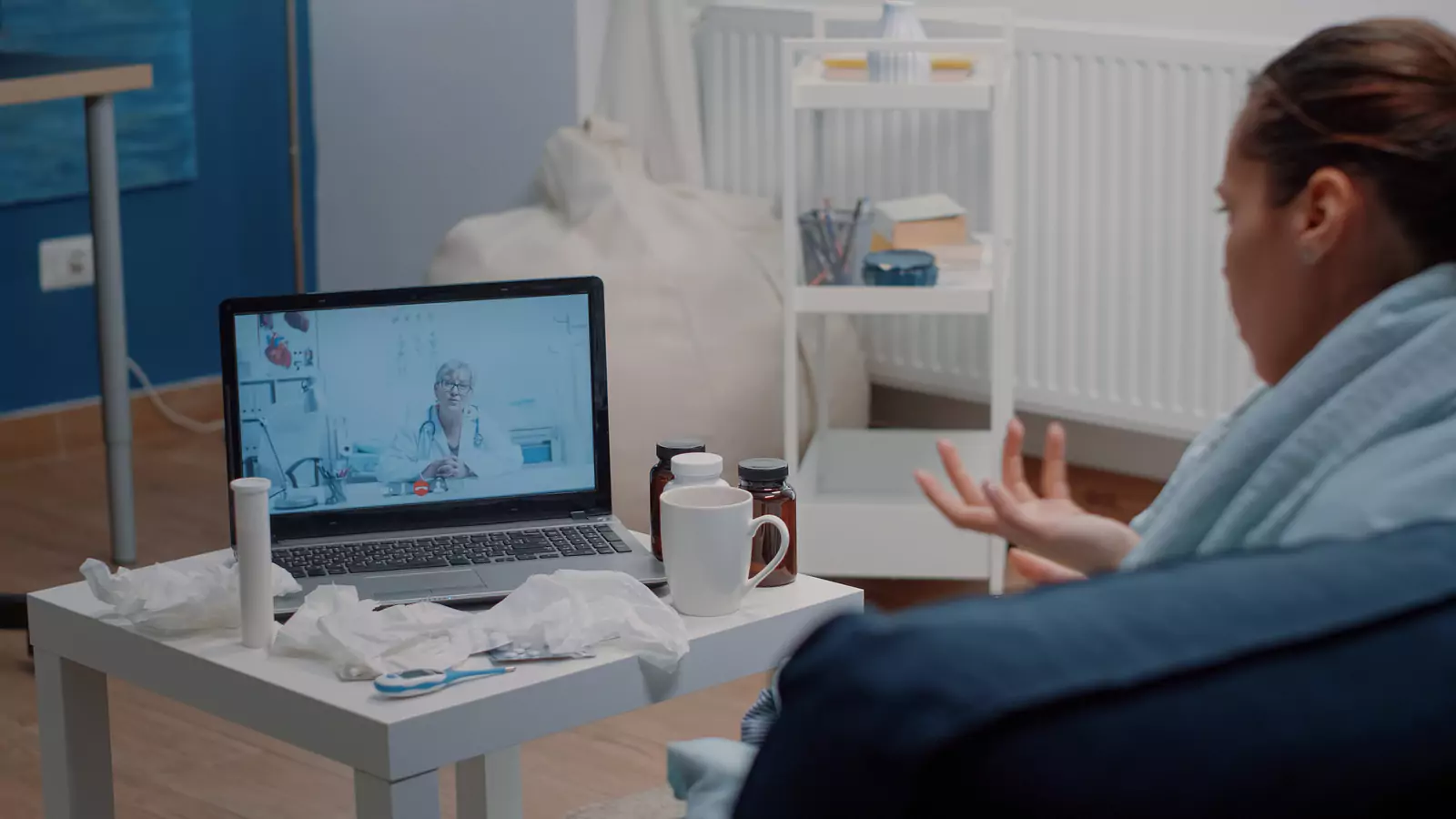







Use Virtual Care Between In-Person Appointments
Turn the screen into a bridge for focused questions, monitoring, and earlier escalation.
Use the Screen to Answer One Timely Question
Weeks may pass between in-person appointments. During that gap, a symptom may change, a medication question may arise, a result may need context, or the patient may need help deciding whether to wait, schedule sooner, or seek urgent care.
An appropriate virtual appointment can provide a focused checkpoint.
VirtualCare2go describes a process of booking, requesting service, and connecting with a licensed provider online. Video does not replace every examination or the continuing role of a primary-care clinician. It can bridge information when the question fits the setting.
Define the Bridge Question
Begin with one timely decision.
Examples include:
- Is this new symptom appropriate to monitor?
- Does this side effect need earlier review?
- Do these home readings require in-person confirmation?
- What records should I bring to the next appointment?
- Has this concern changed enough to use urgent care?
- Does the current treatment plan remain reasonable?
- Is a visible symptom suitable for video review?
- Should the scheduled appointment move sooner?
A focused question helps the clinician decide what can be completed through the screen.
Avoid using the appointment solely to request a predetermined medicine, test, or referral.
Connect the Visit to the Existing Care Plan
Prepare the date and purpose of the next in-person appointment.
Bring:
- Recent visit summary
- Current medication list
- Pending tests
- Specialist recommendations
- Home-monitoring plan
- Questions the primary clinician asked the patient to track
- Changes since the previous visit
Tell the virtual clinician who currently owns the condition or medicine.
The goal is to create a bridge, not a competing plan.
Bring Comparable Information
Use measurements collected in a consistent way.
For example, a useful home blood-pressure record should identify:
- Date and time
- Device
- Patient position
- Medicine timing
- Relevant symptoms
- Recent activity
A symptom diary might include severity, duration, triggers, and effect on normal activity.
Do not create a false trend by recording only the best or worst measurements. Honest, comparable information is more useful than perfect-looking data.
Update the Medicine Story
List:
- Current medicines
- Dose and frequency
- Recent changes
- Missed doses
- Side effects
- New nonprescription products
- Supplements
- Medicines stopped since the last appointment
If the patient wants a refill, provide the medicine name, prescriber, pharmacy, remaining supply, and required monitoring.
A virtual appointment does not guarantee a refill. The clinician may need records, testing, or an in-person examination.
Do not stop or adjust a medicine without guidance.
Keep the Primary Team Connected
Share the virtual visit summary with the patient’s ongoing clinician when appropriate.
If the virtual clinician recommends testing, a referral, or a medication change, clarify:
- Who places the order?
- Who receives the result?
- Who updates the regular clinician?
- Who manages the medicine afterward?
- When should the patient follow up?
- What happens if the recommendation conflicts with the existing plan?
Avoid parallel care in which two clinicians change the same treatment without seeing each other’s instructions.
Recognize the Examination Gap
Video can help a clinician observe:
- General appearance
- Speech
- Movement
- Breathing pattern
- Visible skin findings
- Swelling
- Mental status
- Patient-performed movements
- Available home readings
An ordinary video visit cannot palpate the abdomen, perform imaging, collect a specimen, or reproduce every neurologic, musculoskeletal, ear, throat, heart, or lung examination.
The appropriate outcome may be:
- Continue monitoring
- Move the appointment sooner
- Visit a clinic
- Complete laboratory work
- Obtain imaging
- Seek emergency care
Redirection is not a failed visit. It is a care decision.
Use Video to Prepare for the Next Appointment
A bridge visit can make the next in-person appointment more efficient.
Ask which information to collect before the visit:
- Symptom timeline
- Home readings
- Medication response
- Prior records
- Photographs
- Laboratory results
- Specialist notes
- Questions for shared decision-making
Do not order tests independently based on online suggestions. The clinician should determine what is useful.
Know When the Appointment Should Move Sooner
Ask for specific thresholds.
Instead of “come in if worse,” clarify:
- Which symptom matters?
- How severe must it become?
- How long is reasonable to monitor?
- What home reading requires action?
- Which medicine reaction needs contact?
- What requires same-day care?
- What requires emergency care?
Write down the instructions.
The bridge is most useful when it identifies the point at which waiting is no longer appropriate.
Use Emergency Care Without Waiting
Call 911 for severe breathing difficulty, chest pressure, signs of stroke, uncontrolled bleeding, a seizure, loss of consciousness, severe allergic symptoms, or another potentially life-threatening problem.
Do not wait for a video appointment or scheduled clinic visit.
If the clinician recommends emergency care during the call, follow that direction promptly. Insurance questions should not delay emergency treatment.
Verify Payment and Access
Confirm insurance or self-pay terms for the virtual appointment.
If insured, verify:
- Provider participation
- Telehealth benefits
- Referral or authorization requirements
- Patient cost
- Laboratory or in-person follow-up rules
If using self-pay, review the current VirtualCare2go Self-Pay page and verify the live price and included services.
The virtual visit and any later laboratory, pharmacy, imaging, specialist, or clinic service may be billed separately.
End With a Revised Timeline
Before disconnecting, ask:
- What should happen today?
- What can wait for the scheduled appointment?
- What change should move the appointment earlier?
- What requires urgent or emergency care?
- Who receives the summary?
- Who owns any test or referral?
- When should the patient check in again?
Put the revised date and action trigger in the calendar.
Repeat the plan in your own words and ask the clinician to correct any misunderstanding.
Build the Bridge Through the Current Process
Review How It Works, Online Urgent Care, and the VirtualCare2go FAQ.
Book from a private, stationary location in Texas. Bring a focused question, comparable information, the current medicine list, and details of the next in-person appointment.
A useful virtual bridge should make the next step clearer, not create another disconnected care plan.
Disclaimer: This article is educational and is not a diagnosis or substitute for professional medical care. Telehealth suitability, prescribing, monitoring, and follow-up depend on the patient’s condition, available information, applicable requirements, and provider assessment. Call 911 or go to the nearest emergency department for severe or life-threatening symptoms.